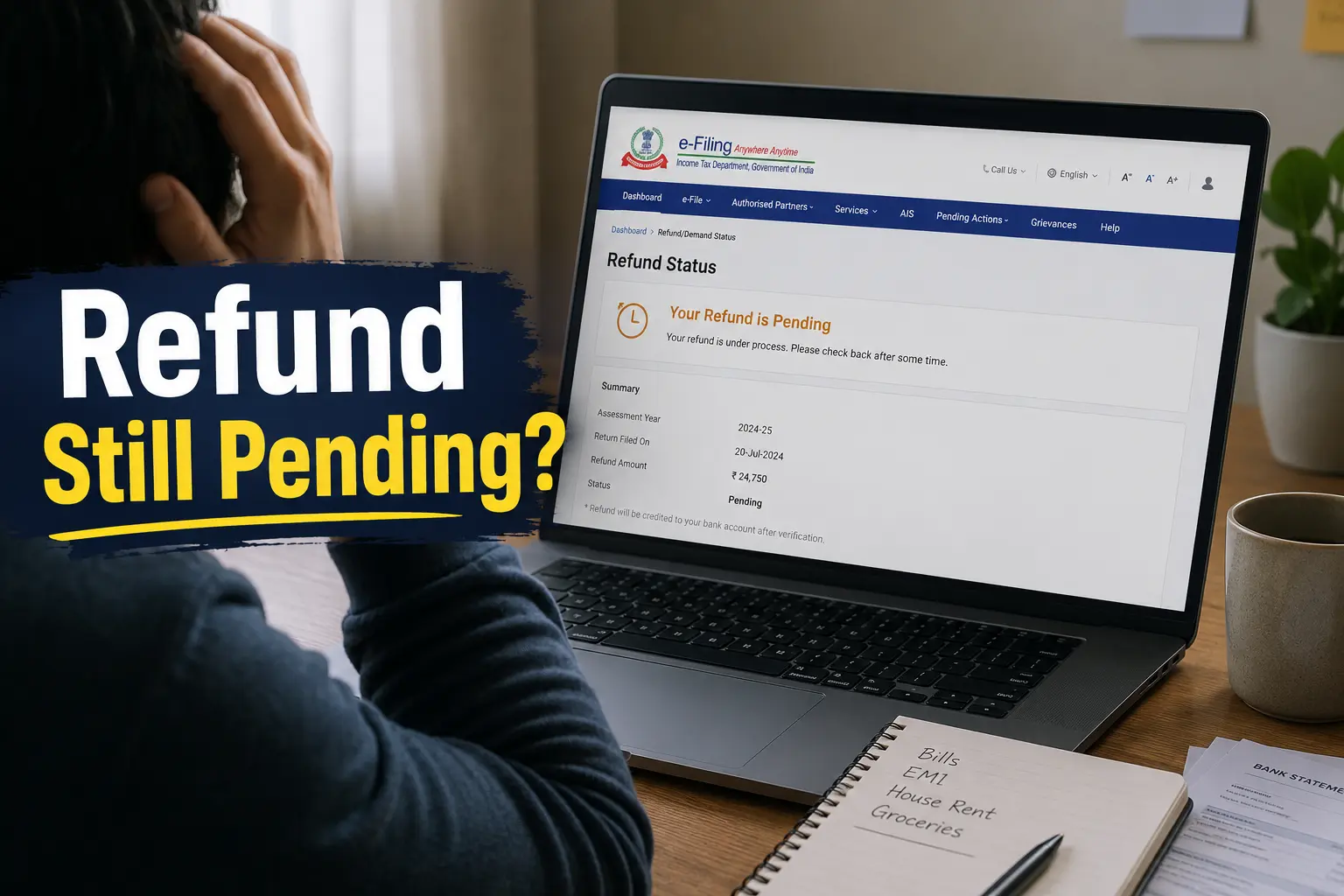
Filed Your ITR. Refund Not Coming. What Is Actually Happening?
Last year, two people I help with taxes asked me the same question — “I filed weeks ago, where is my refund?” One had an old outstanding tax balance that silently swallowed the refund. The other got a notice asking them to relook at their deduction claims. Neither of them had any idea this could happen.
This is more common than you think. Some PSU employees get their refund in two to three weeks. Others wait a year or more. No clear message. No explanation. Just silence from the department.
The Income Tax Department does not process all refunds in one queue. Your refund goes through multiple checks — past demand records, AIS data matching, deduction verification, and bank account validation. If any of these throw a flag, your refund stops right there.
The good news is that most stuck refunds have a fixable reason. You just need to know where to look and what to do next.
How to Check Your ITR Refund Status on the Portal (Step by Step)
There are two ways to check your refund status on the income tax portal. The first is a quick check without full login. The second gives you the complete picture including the reason if your refund is stuck.
Quick check — no full login needed:
Go to incometax.gov.in. On the homepage itself, click on “Income Tax Return (ITR) Status.” Enter your acknowledgement number and registered mobile number. You will get an OTP. Enter it, and your current refund status appears on screen.
Detailed check — login required:
Log in with your PAN and password. Go to e-File → Income Tax Returns → View Filed Returns. Select AY 2026-27 (for FY 2025-26 income). Here you will see your filed return details, processing status, and refund information together in one place.
The second method is what you actually need when your refund is stuck. The first only tells you the status. The second tells you why. Always go to View Filed Returns when you want the full picture.
What the Refund Status Messages Actually Mean
When you open your filed return on the portal, you will see a status message. Most PSU employees stare at it and have no idea what it means. Here is a plain-language breakdown of each one.
Submitted and pending for e-verification — You filed the return but did not complete e-verification. Your refund processing has not even started. E-verify immediately.
Successfully e-verified — Filed and verified. The department has received your return and will begin processing. This is the normal waiting stage.
Under Processing — Your return is being checked by the Centralised Processing Centre. The refund amount is being calculated. No action needed yet.
Processed — Your return has been processed. The department has determined your refund amount. The refund should reach your bank within a few weeks from this point.
Refund Issued — The department has sent the money. Check your registered bank account. If it has not arrived after a few days, the issue is on the bank side, not the department’s side.
Refund Failed — The department tried to send the money but it bounced back. The most common reason is that your bank account is not pre-validated on the portal, or the IFSC code is wrong.
Refund Adjusted — Your refund was reduced or completely absorbed because of an old outstanding tax demand. This is the silent shock most people experience. We cover this in detail in the next section.
Defective — The department found something inconsistent in your filing and has issued a notice asking you to fix it. Ignoring this notice means your return will be treated as not filed at all.
Reason 1 — Your Refund Was Adjusted Against an Old Tax Demand
You file your ITR, expect ₹15,000 back, and get either nothing or a smaller amount. No call. No explanation. Just silence.
What actually happened is this — the department found an old pending tax demand against your name. This could be from any previous assessment year. Before making the adjustment, they are supposed to send you an intimation under Section 245 of the Income Tax Act. Most people miss it because it goes to the registered email or the portal inbox — neither of which PSU employees check regularly.
The demand itself may be years old. And here is the part that hits hardest — the department also charges interest on that outstanding amount at 1% per month from the date it was due. A demand that is seven to eight years old can carry interest nearly equal to the original amount itself. So if the original tax outstanding was ₹10,000, you may now owe close to ₹18,000 to ₹20,000 in total.
What you should do: Log in to the portal. Go to e-File → Pending Actions → Response to Outstanding Demand. Check if any demand exists against your name. If the demand is incorrect or already paid, you can submit a response disputing it. If it is valid, pay it and then raise a refund reissue request.
Do not ignore the portal inbox. That is where the intimation lands. Missing it does not stop the adjustment — it just means you never saw it coming.
Reason 2 — Your Deduction Claim Was Questioned by the Department
This was the biggest reason for stuck refunds last year. And it is almost entirely a new tax regime problem.
Here is what happens. A PSU salary slip shows travel allowance as a separate component. The employee sees it every month, assumes it is exempt, and while filing ITR under the new tax regime, claims it as a deduction. The department’s system immediately flags it.
Under the new tax regime, most allowance-based exemptions simply do not exist. Leave Travel Allowance, HRA, and similar components that were standard deductions under the old regime are not available under the new one. The system is not forgiving about this. It cross-checks your ITR against your AIS, Form 26AS, and Form 16 data. If something does not match, your refund goes on hold.
You then receive an intimation asking you to recalculate your refund claim. Most PSU employees have no idea what triggered it or what to do next. The refund sits frozen until you respond.
The fix is to file a revised return correcting the deduction claim. But here is the catch. A revised return for AY 2026-27 can only be filed before 31 December 2026. After that, your options become significantly limited.
If you filed under the new tax regime this year, go back and check your deduction schedule before the department does it for you. Specifically look at anything related to travel, house rent, or allowances. If those claims are there, remove them now through a revised return before you receive a notice.
Reason 3 — Your Bank Account Is Not Pre-Validated on the Portal
Your refund was processed and ready. The department tried to send it. It bounced back. The status now shows “Refund Failed.” All because your bank account was not properly set up on the portal.
The income tax portal does not send refunds to just any account. Your bank account must be pre-validated — meaning it must be linked to your PAN and marked as enabled for refund on the e-filing portal. If this is not done, the money has nowhere to go.
PSU employees are particularly vulnerable here because of bank mergers. Several public sector banks have merged over the last few years. If your old bank was merged into another, your IFSC code may have changed. The portal still has the old code. The refund fails silently.
How to check and fix this: Log in to incometax.gov.in. Go to your Profile. Click on My Bank Account. Check if your account shows as Validated and Enabled for Refund. If it shows as failed or not validated, delete the old entry, add the correct account number and current IFSC code, and re-validate. Once validated, raise a Refund Reissue Request from the e-File menu.
This fix takes less than ten minutes. But most PSU employees never check this until after the refund fails.
Reason 4 — Your Return Is Not E-Verified or Still Under Processing
The income tax department does not begin processing your ITR the moment you file it. Processing starts only after you e-verify the return. If you filed and forgot to e-verify, your refund has been sitting untouched from day one.
The e-verification window is 30 days from the date of filing. Miss that window and your return is treated as invalid. As if you never filed at all. You would need to file again. This is a rule most PSU employees do not know until it is too late.
E-verification takes less than two minutes. Log in to the portal, go to e-File → Income Tax Returns → e-Verify Return, and complete it using your Aadhaar OTP or net banking. That is all it takes to unlock the entire refund process.
If you have already e-verified and your status still shows Under Processing, that is a different situation. The Centralised Processing Centre receives crores of returns every year. Processing can take four to five weeks after e-verification under normal circumstances. This year, with stronger AIS verification checks in place, some returns are taking longer than usual.
If it has been more than eight weeks after e-verification and status still shows Under Processing, raise a grievance on the portal. We cover that exact step in a later section.
What to Do When Your Refund Is Stuck (Exact Steps)
Most people wait. They check the status once, see it is stuck, and then do nothing — hoping the money will arrive on its own. It usually does not. Here is exactly what to do, in order.
Step 1 — Check your portal inbox first. Log in to incometax.gov.in. Go to your inbox under the e-File or Pending Actions section. The department sends intimations, notices, and adjustment communications here. Most PSU employees never open this inbox. That is why the stuck refund comes as a shock.
Step 2 — Identify the reason. Look at your View Filed Returns page for AY 2026-27. The status message will tell you whether the issue is an adjustment, a failed refund, a defective return, or something still under processing. Each reason has a different fix. Do not guess.
Step 3 — Respond to the right action. If your refund was adjusted against a demand, go to e-File → Pending Actions → Response to Outstanding Demand. If your bank account caused a failure, go to Profile → My Bank Account and re-validate. If a deduction was questioned, file a revised return before 31 December 2026. If the return is defective, respond to the Section 139(9) notice within the given deadline.
Step 4 — Raise a Refund Reissue Request if needed. If your refund was issued but never reached your bank account, go to e-File → Income Tax Returns → Refund Reissue. Select the correct validated bank account and submit.
Step 5 — If nothing is clear, raise a grievance. Go to e-File → Grievance → Submit Grievance. Select the category as Refund and describe the issue briefly. The department is required to respond. We cover this in the next section.
How to Raise a Grievance If Nothing Works
You have checked the portal. You have responded to the pending action. You have validated your bank account. And still. nothing. This is when you stop waiting and formally raise a grievance.
The income tax portal has a built-in grievance system. Log in to incometax.gov.in. Go to e-File → Grievance → Submit Grievance. Select the category as Refund. In the description box, write clearly — your AY, the refund amount expected, and the current status showing on the portal. Keep it factual and short. Submit.
The department is required to acknowledge and respond to grievances. Once submitted, you will get a grievance reference number. Save it. You can track the response under e-File → Grievance → View Grievance.
If the portal grievance does not move things, you have two more options. Call the CPC helpline at 1800 419 0025 or 1800 103 0025 or +91-80-46122000 or +91-80-61464700. These are all toll-free numbers for ITR processing and refund related queries. You can also email refunds@incometax.gov.in with your PAN, AY, and a brief description of the issue. Keep the email short and factual — no lengthy explanations needed.
One important warning, do not raise multiple grievances for the same issue repeatedly. The system logs every submission. Flooding it with duplicate complaints can slow down your case rather than speed it up. Raise one grievance, wait for 15 to 20 working days, and then follow up if there is no response.
What PSU Employees Should Do Before Filing to Avoid This Mess
Every reason covered in this article is avoidable. The stuck refund, the silent adjustment, the failed bank transfer — none of these need to happen if you spend twenty minutes checking five things before you file.
One — Check your portal inbox for outstanding demands. Log in before you file. Go to e-File → Pending Actions → Response to Outstanding Demand. If any old demand exists, deal with it first. Do not file a new return with an unresolved demand sitting in the background.
Two — Pre-validate your bank account. Go to Profile → My Bank Account. Confirm your account shows as Validated and Enabled for Refund. If you changed banks, opened a new salary account, or your bank was merged recently, update the details before filing.
Three — Cross-check your AIS and Form 16 before entering any numbers. The department’s system compares your ITR against AIS data automatically. Any mismatch — even a small one — can delay your refund for months. We have a full guide on reading AIS and Form 26AS on this blog.
Four — If you are filing under the new tax regime, remove every allowance-based deduction from your return. Travel allowance, HRA, LTA — none of these are available under the new regime. Your salary slip shows them as components. That does not mean you can claim them. Check your deduction schedule carefully before submitting.
Five — E-verify immediately after filing. Do not file and close the browser. E-verify on the same day using Aadhaar OTP or net banking. The thirty-day window exists but do not use it as a buffer. Processing starts only after e-verification. Every day you delay is a day your refund waits.